How to Record Bird Sightings with Your Phone
Author
Jeff Mann
Date Published

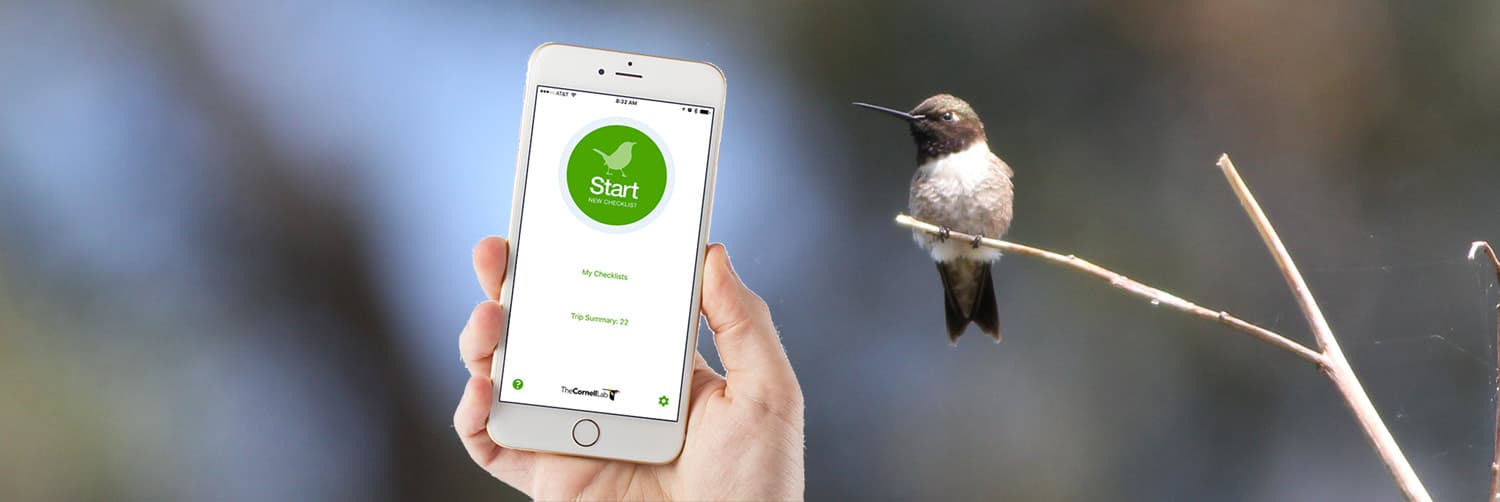
Recording the species and number of birds you see on your bird walks is good practice for reinforcing newly-learned birds and for contributing to citizen science. For a while, eBird has been the de facto website for submitting checklist of birds that you spot. There were a handful of bird checklist iPhone and Android apps out there for people, and BirdLog was one of the most popular. In June 2015, Cornell/eBird acquired BirdLog and relaunched it as the official eBird app. Since then, they have been making feature and UI improvements to the app. Here is a quick guide on how to record bird sightings with your phone using the new app.
Choose a Hotspot or Create a Personal Location
Before you can start tallying up all of the feathered critters that you spot, you must select the location that you are birding at. You are presented with a few options: recent locations, choose from map, create a new personal location, nearby hotspot, etc. I usually opt for the map option then look for the most appropriate hotspot or click the map to put down a personal location marker.
Start Tallying
After confirming the date & time of your bird walk, you are presented with a huge list of bird species to choose from. You have to choice of scrolling through the long list to look for the right bird or to type in the bird code. Bird codes are awesome.
To add bird counts, either tap on the far left of the bird listing to add a single bird, or click on the name to type in a specific number and add specific comments.
Submitting the Finalized List
When you're ready to submit your checklist click Review & Submit, answer the final few questions required for a complete check then click Submit. That's it!
Currently, the eBird app does not pull existing locations or historical checklists you have submitted, this would be a nice feature for the future. As well as being able to add other eBird users to your checklist.
While you're reading about eBird, check out our ideas for if eBird was a social network.
Happy eBirding!
Download eBird for iPhone
Comments from the community
Leave a comment
No comments yet. Be the first to share your thoughts!