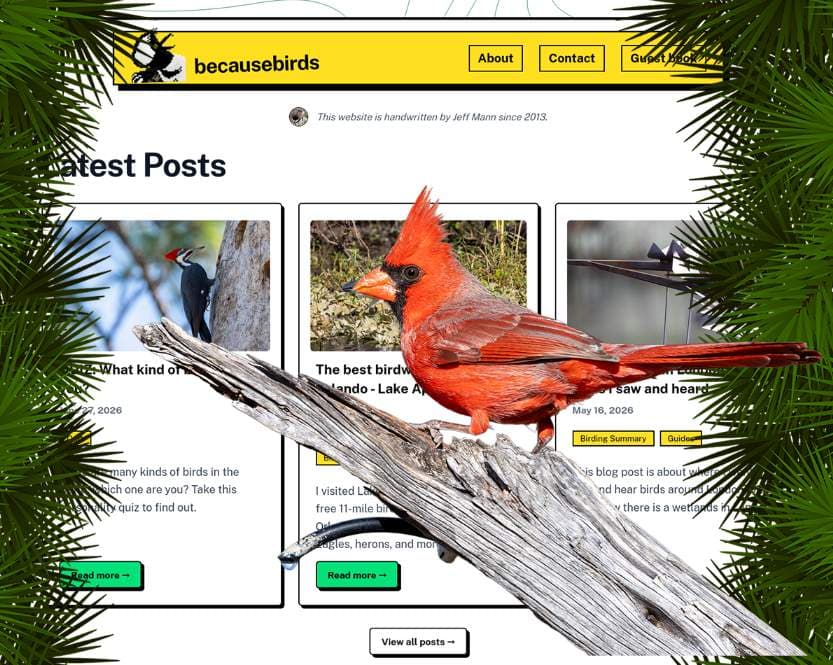
I migrated my 13-year WordPress blog to Payload CMS
Author
Jeff Mann
Date Published
I've used WordPress to manage my website since the very beginning in 2014. It worked great, was super flexible, and I learned a lot of skills from it
I started to get bored of WordPress after many years and wanted to manage my site content in a different way. This is when I started to learn about a "headless CMS". That means that the system where you write the content and the website where you display it are totally separate.
I decided to make the move from my self-hosted WordPress to a headless CMS called Payload CMS.
The goal of this Wordpress to Payload CRM transition was to keep all URLs the same and have everything be as seamless as possible.
I won't get too much into the actual steps I did to make this transition, but in summary:
- I Installed Payload CMS onto my new server and created "collections" for posts, pages, quizzes, media, comments, tags, products, etc. AI was helpful create the config files.
- Then, I used WordPress' export feature to download all my content into an XML file.
- I used AI tools to write a script that parsed then imported my 200 posts into Payload. Any failed imports I manually created (around 50)
- I used AI tools to replace all elements in the Payload Website Template with neobrutalism.dev components.
- Tested all my top pages and features and used AI tools to fix any bugs I found.
- The final step was launch the live website and update the becausebirds.com domain to point at the new server address.
I plan to keep an eye on the site analytics over the new few weeks to make sure I didn't miss anything!
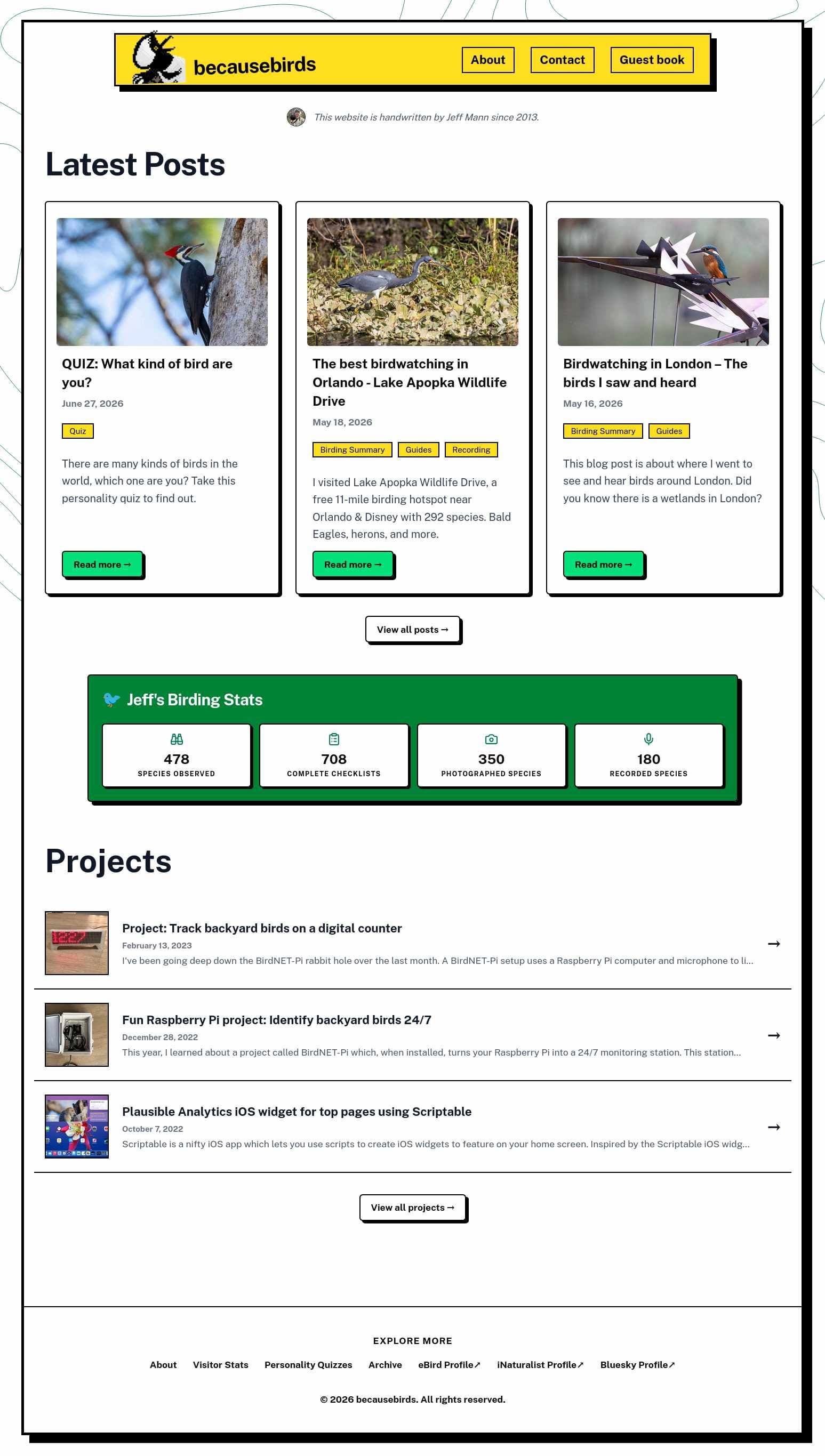
Here is version one of the 2026 becausebirds.com homepage
Comments from the community
Leave a comment
No comments yet. Be the first to share your thoughts!